A lightweight, fast, cross-platform text editor built from scratch with .NET and Avalonia UI.
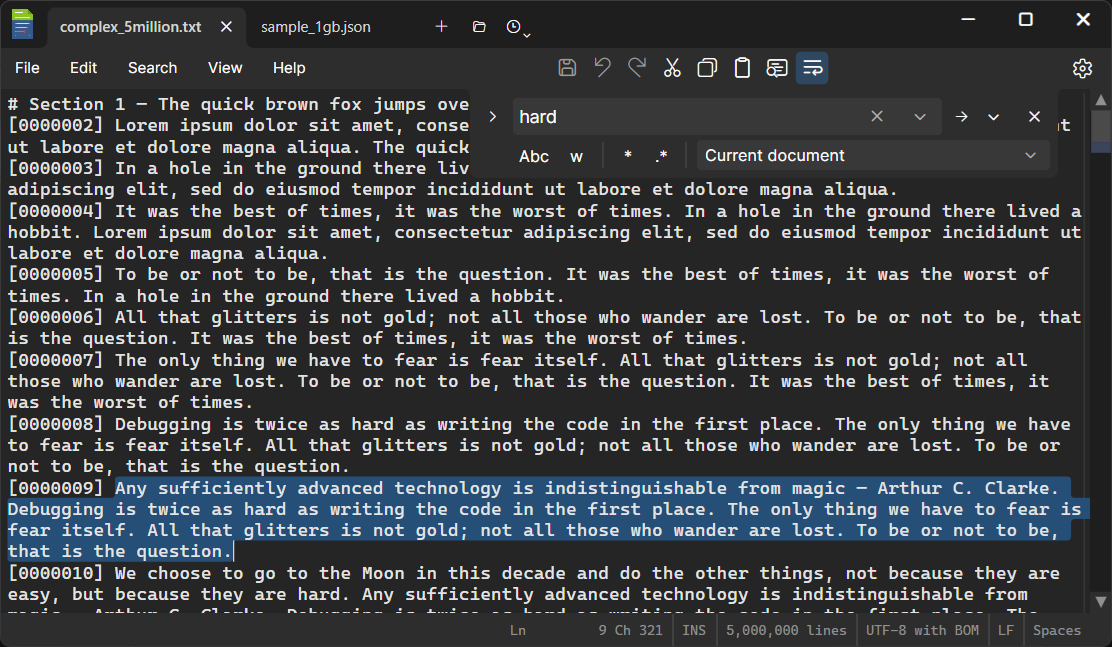
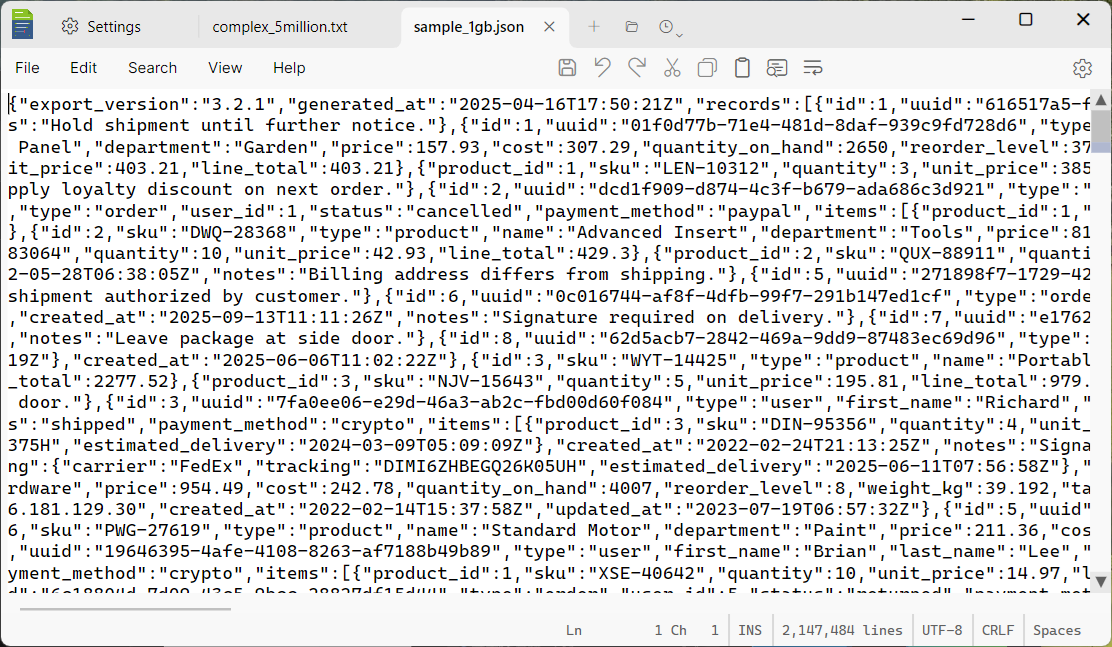
DMEdit was designed around large files from day one. A paged buffer architecture streams content from disk on demand — you can open multi-gigabyte files and scroll through them instantly.
No loading spinners, no “file too large” dialogs, and no features disabled when the file is too large.
Every pixel is ours. The editor control, tab bar, scrollbar, find bar, settings panel, and even the text input boxes are custom-drawn controls.
This isn't a wrapper around a web view or an embedded Scintilla — it's a native .NET application that renders text the same way on Windows and Linux.
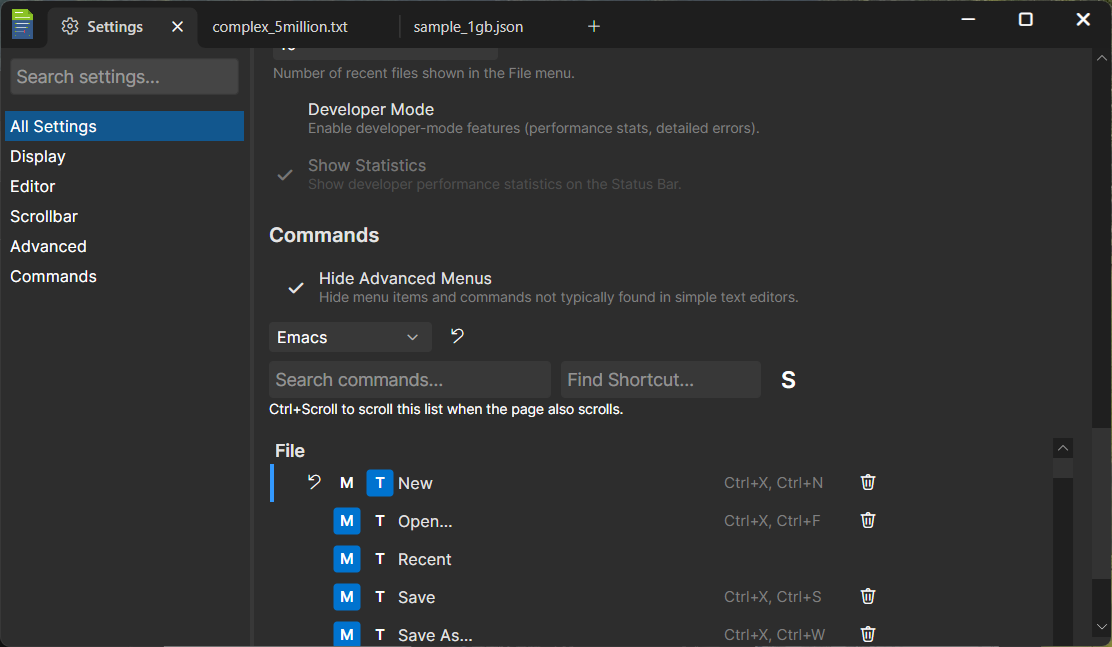
Six built-in key binding profiles — Default, VS Code, Visual Studio, JetBrains, Eclipse, and Emacs — with full customization.
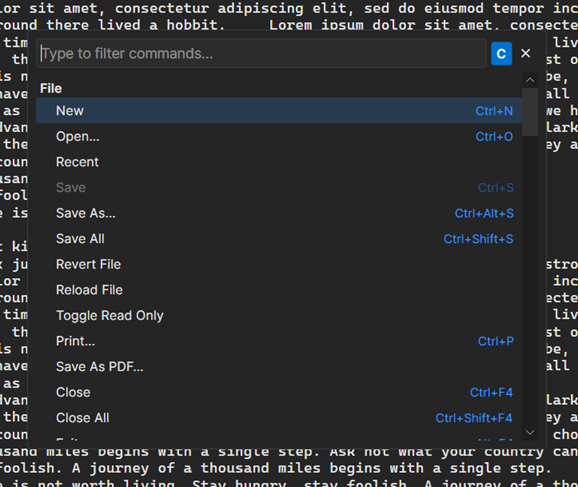
Two-key chord bindings, a command palette, and 100+ commands covering everything from line manipulation to clipboard ring cycling.
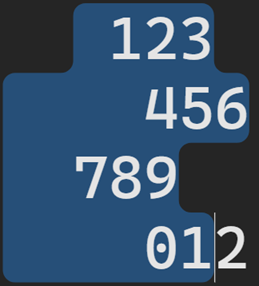
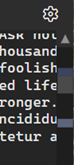
Rounded selection corners. Multi-line selections trace a smooth contour with rounded corners at every step — both the outer convex corners and the inner concave notches where line widths change.
Dual-zone scrollbar. The inner thumb works like a normal scrollbar. The outer zone provides a fixed-rate scroll — click and hold to scan through the document at a steady pace, regardless of file size.
Three toolbar zones, customizable menus, and a settings panel with just the right amount of flexibility. Don't use Save As? Hide it. Want Clipboard Ring on the toolbar? Toggle it on.
Session persistence remembers your open tabs and unsaved edits across restarts, including full undo/redo history.
DMEdit was built almost entirely through pair programming with Claude Code. A solo developer with AI assistance built a native cross-platform desktop application with custom rendering, 100+ commands, session persistence, and large file support in about five weeks.
The codebase has 599 tests and handles edge cases that would take months to discover through manual testing alone.
DMEdit is open source under the MIT license. Currently in beta — requires .NET 10.
View on GitHub Releases